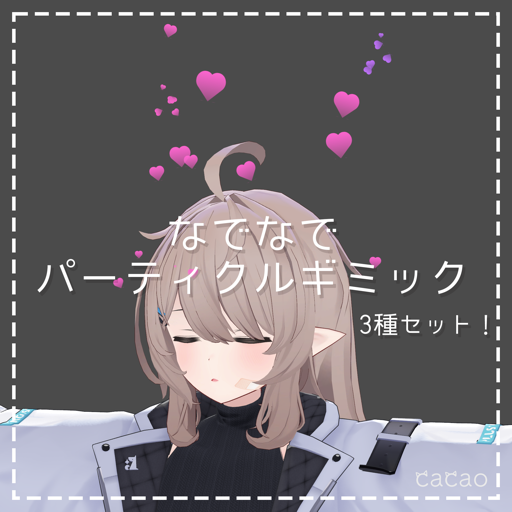
NadeNade Particle Gimmick (1–3)
This page explains the NadeNade Particle Gimmick (なでなでパーティクルギミック) 1–3. "Nadenade" is Japanese for patting someone's head. All three share the same setup and adjustment steps.
NadeNade Particle Gimmick
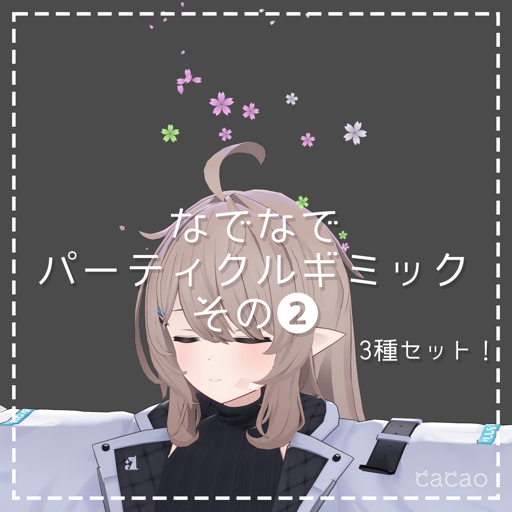
NadeNade Particle Gimmick 2
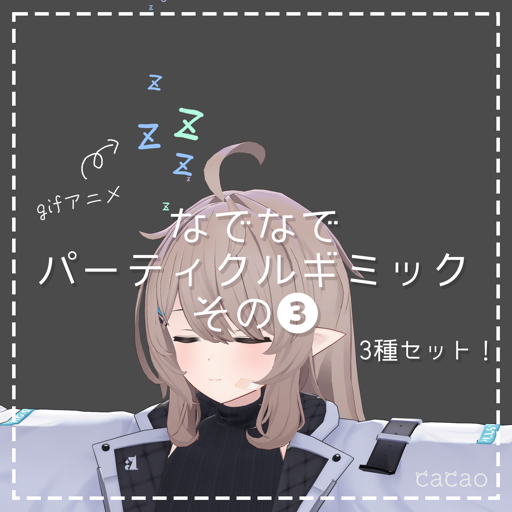
NadeNade Particle Gimmick 3
Requirements
Setup
- Drag and drop the Prefab under your avatar
- Adjust the position and size of the Prefab to your avatar's head
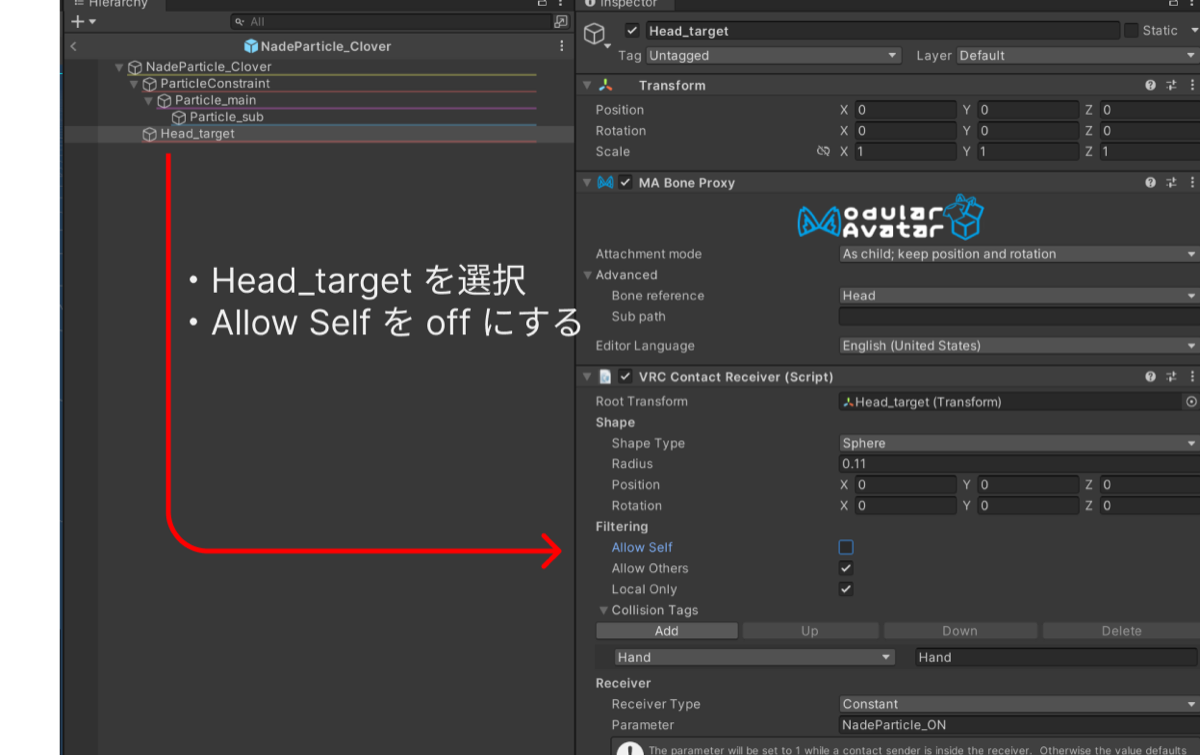
- Adjust the position and size of the "VRC Contact Receiver" on Head_target
(Particles are emitted while something touches this Contact Receiver)
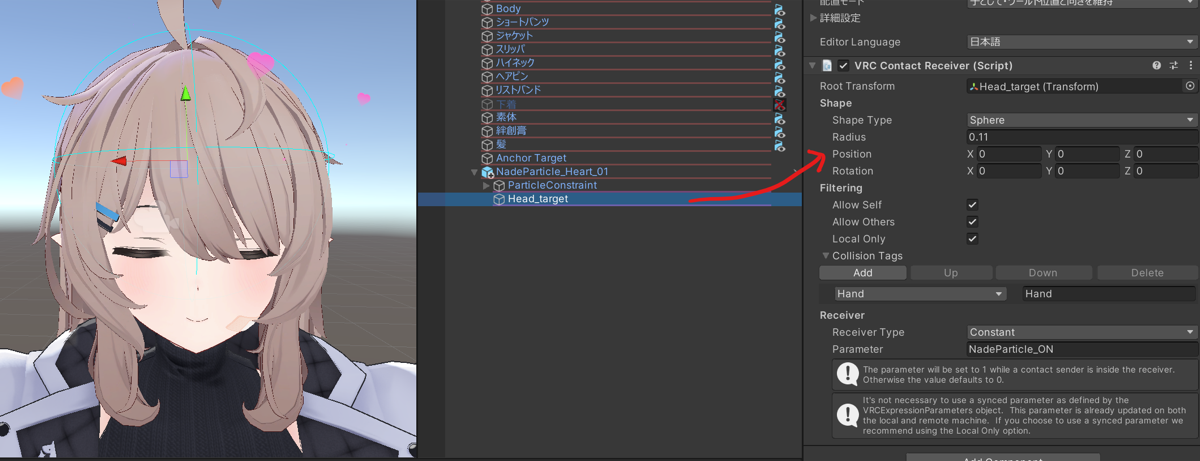
- Done!
Adjustments
Changing the color
- Change Start Color in the "Particle System" on Particle_main to adjust the color
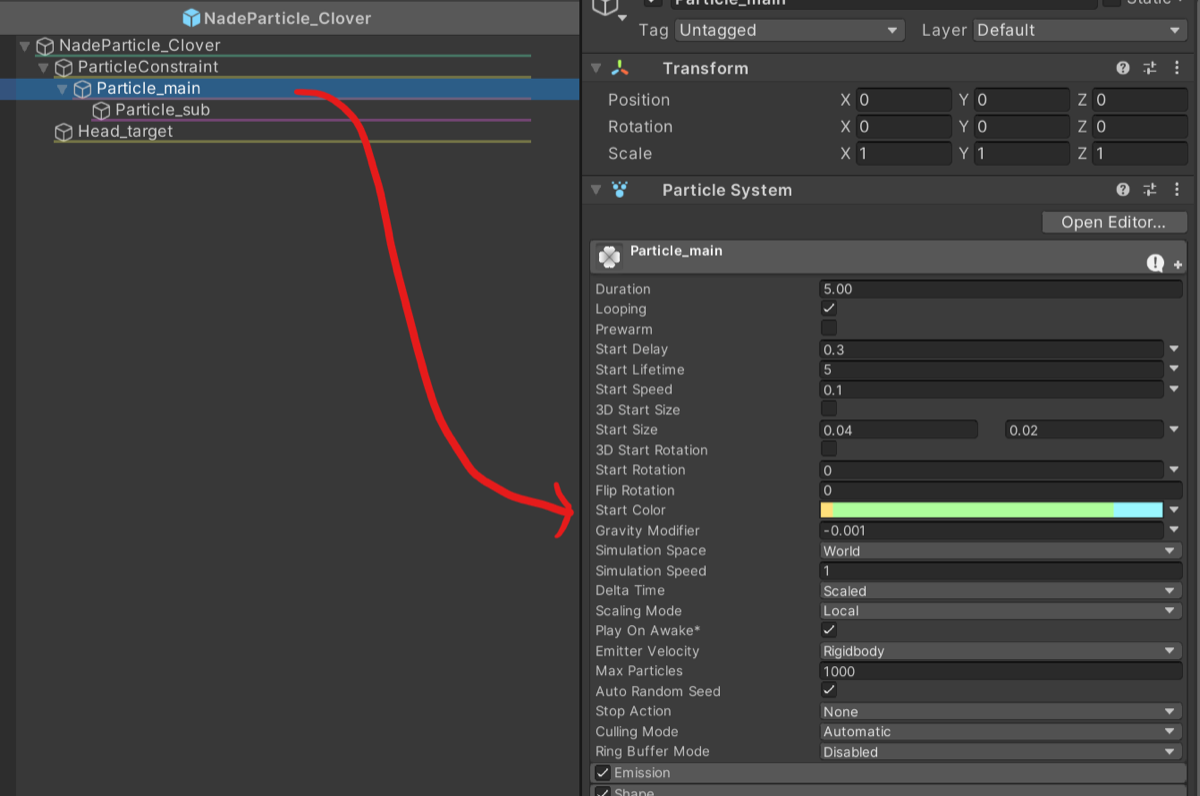 Click the ▽ on the right to choose a single color, a gradient and more
Not reacting to your own hands
- In the VRC Contact Receiver on Head_target, uncheck Allow Self under Filtering