Glasses Gimmick
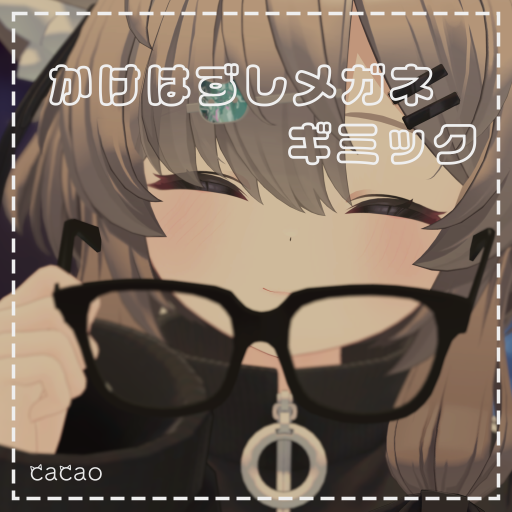
This page explains the Glasses Gimmick (かけはずしメガネギミック).
Requirements
Setup
- Drag and drop
GlassesGimmick.prefabdirectly under your avatar - Adjust the position of
Head_targetto your avatar's head - Adjust the position of
Hand_targetto your avatar's right hand - Set the bone where you want to store the glasses (a collar, a pocket, etc.) as the
TargetofMA Bone ProxyonPocket_target - Adjust the position of
Pocket_targetto where you want to store them
Usage
- Bring your right hand to the glasses and grab them to hold them.
- While holding them, bring the glasses to your avatar's head to put them on.
- While holding them, bring them to the storage position to put them away.
- Grab the middle of the glasses to push them up.
Tips
Adjusting the grab area
- Grabbing the glasses into your hand
- Move
Head_target/Contact_Headto change where the grab area is. - Change
Radiusof theVRC Contact ReceiveronHead_target/Contact_Headto change the size of the grab area.
- Move
- Grabbing the glasses and pushing them up
- Adjust the
VRC Phys Bonessettings onHead_target.
- Adjust the
Changelog
- v1.0 (2025/05/30) Released
- v1.1 (2026/02/01) Fixed the glasses showing up in your view