HandyFan Gimmick
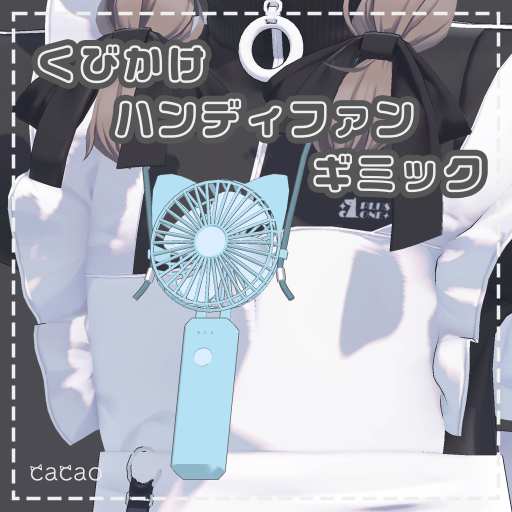
This page explains the HandyFan Gimmick (くびかけハンディファンギミック).
Requirements
Setup
- Drag and drop
HandyFanGimmick.prefabdirectly under your avatar - Adjust the position and size of
HandyFanGimmickto your avatar - Adjust
HandR_targetto your avatar's right hand - Adjust
Limitsof theVRC Phys BonesonPhysBones/Strapto your avatar- Press Play in Unity and check the angle limits while you adjust them
Usage
- By default, the handy fan hangs from your neck.
- Bring your right hand to the handy fan and grab it to hold it.
- While you hold it, the fan spins and makes a sound.
- Make an
Openhand gesture with your right hand to hang the fan back on your neck.
Tips
Changing the color
- Change
Main Color > Color Adjust(メインカラー > 色調補正) on theHandyFan_Color.matmaterial to change the color of the handy fan.
Changelog
- v1.0 (2025/09/13) Released