DrinkCup Gimmick
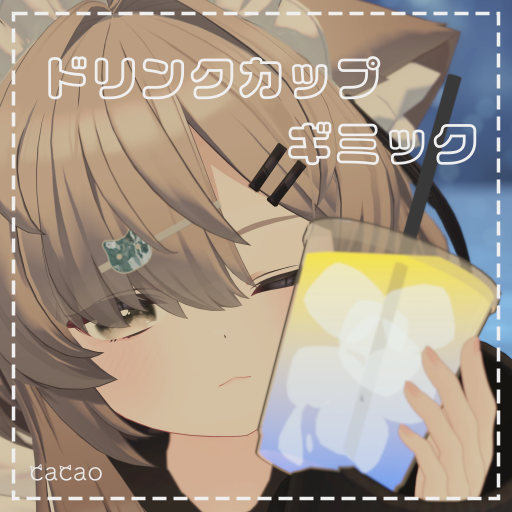
This page explains the DrinkCup Gimmick (ドリンクカップギミック).
Requirements
Setup
Prefabs
The following Prefabs are in DrinkCup/Prefabs.
DrinkCup.prefab- Model only
DrinkCupGimmick.prefab- The drink cup gimmick
DrinkCupGimmick_WorldFixed.prefab- The drink cup gimmick with switching hands and world fixing
Using DrinkCupGimmick
- Drag and drop
DrinkCupGimmick.prefabdirectly under your avatar - Adjust the position of
DrinkCupGimmickto your avatar's left hand
Using DrinkCupGimmick_WorldFixed
- Drag and drop
DrinkCupGimmick_WorldFixed.prefabdirectly under your avatar - Adjust the position of
Hand_L_targetunderDrinkCupGimmick_WorldFixedto your avatar's left hand - Adjust the position of
Hand_R_targetunderDrinkCupGimmick_WorldFixedto your avatar's right hand
Usage
- A toggle menu to turn the drink cup gimmick on/off is added automatically.
- Bring the drink cup to your avatar's mouth (head) and the drink goes down little by little.
- It resets after you finish the drink.
- From the menu you can switch hands and turn world fixing on or off.
Tips
Changing the drink color
- Change
Liquid Color TopandLiquid Color BottominDrinkCup/Materials/Liquid.matto change the color of the drink.
Changelog
- v1.0 (2025/05/09) Released