Requirements
Setup
- Drag and drop the Prefab under your avatar
- Move Chocolate_Box under Chocolate to your left hand
- Move Hand_target under Chocolate to your right hand
- Done!
Usage
- A toggle menu to turn the chocolate on/off is added automatically.
- Grab the lid and pull it to make it disappear.
- Grab a chocolate and it moves to your right hand.
- Bring it to your avatar's mouth (head) to eat it.
Make a Rock&Roll gesture with your right hand to reset it. (v1.0.4 and earlier)
Grabbing the lid
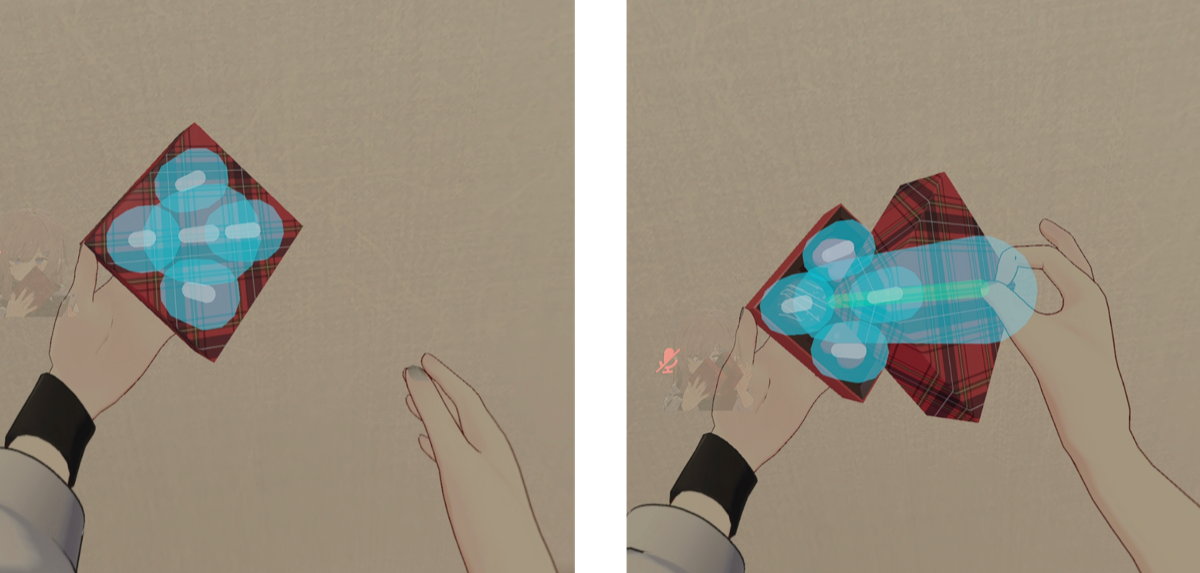
- A PhysBone for grabbing is set on the upper part of the box
- If it is hard to grab, check the following
- Your avatar's PhysBones
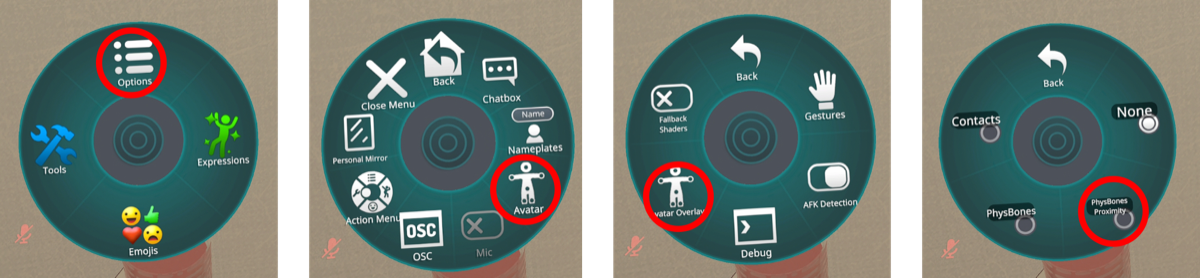
- The Chocolate Gimmick's PhysBone
Removal
- Delete the Prefab you added to remove the gimmick completely.